Bring a Trailer registration checklist for first-time bidders
Bring a Trailer registration checklist for first-time bidders
By BidBud · Research checked November 22, 2026
Finish account setup before you need to make a bidding decision. Being able to watch an auction or leave a comment does not necessarily mean the account is ready to bid. This checklist helps you verify setup without submitting a real bid as a test.
It covers account readiness. Our complete Bring a Trailer buyer guide covers the separate work of researching a car, budgeting and understanding the auction sequence.
Start with the account you already have
BaT's registration walkthrough distinguishes a user account from bidder registration. A regular account supports watching auctions, comments and model updates; bidder registration adds bidding and private seller contact. Existing account holders can use the Register to Bid option from an auction page rather than creating another account.
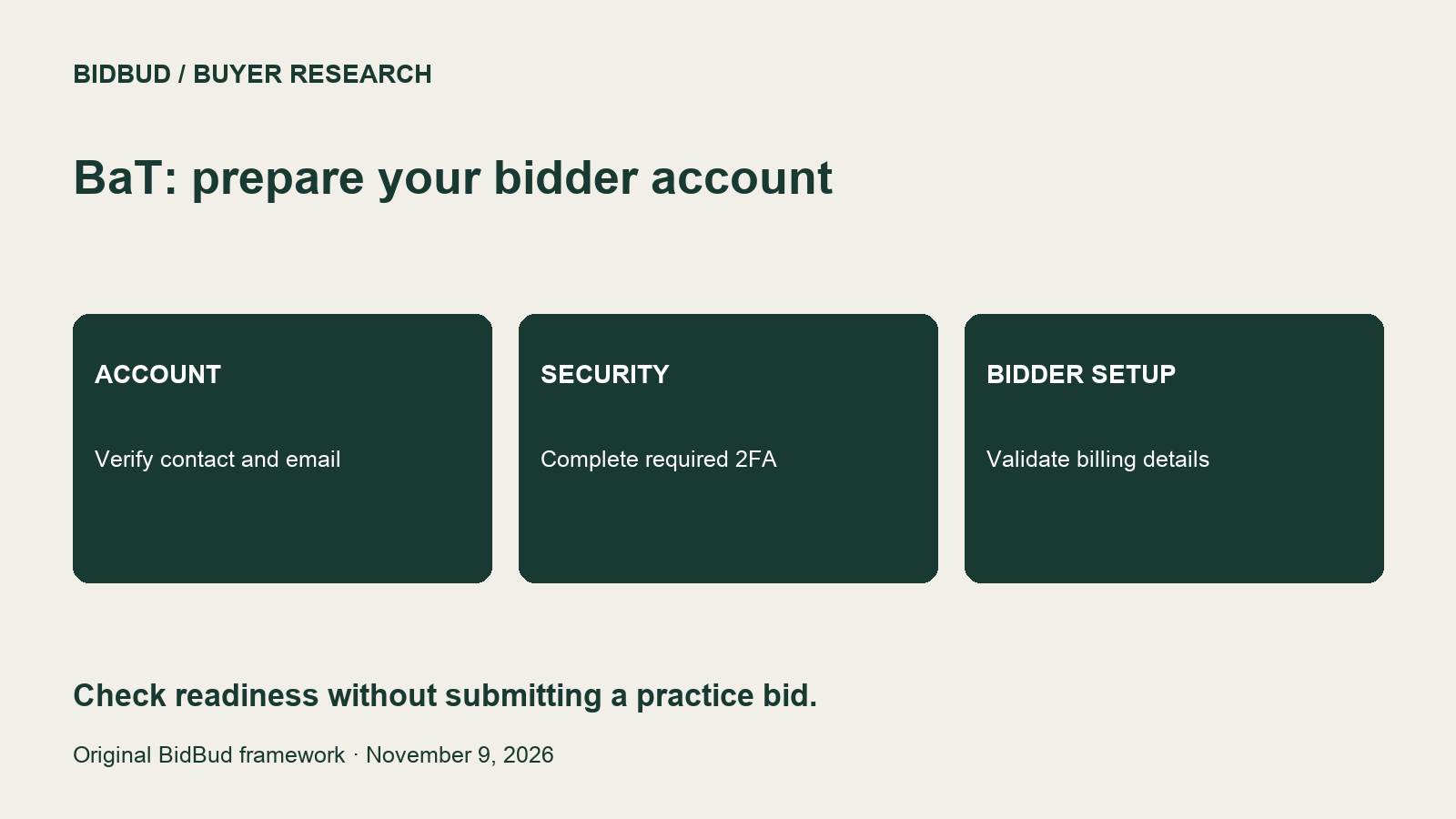
For a new account, the walkthrough requests an email address, username, password and country of residence. Bidder setup additionally requests contact and credit-card details. BaT says registration itself is free and validates the card. It also requires registered bidders to set up two-factor authentication and verify their email address.
Read and complete the current platform prompts yourself, including its terms. Labels and page layouts can change; use the official walkthrough and the instructions shown in your own account. Do not send payment credentials or authentication codes to an adviser helping you research a car.
Keep a readiness record without storing secrets
Make a private checklist with one status per task: complete, needs attention or not checked. It needs no card numbers or passwords.
- I can sign in to the intended account on the device I expect to use.
- My email verification is complete, and I can receive account messages.
- My country and contact details are current.
- Bidder registration is complete rather than merely a general account registration.
- The required billing validation has been completed through BaT.
- Two-factor authentication works using the method configured for the account.
- I know how to reach official support if an account requirement remains unresolved.
Record the date you checked each item and a short next action where necessary. “Email verified on November 19” is useful. A copied verification code is not useful evidence for this worksheet.
Resolve missing steps before the closing period
The official registration walkthrough suggests checking spam or junk folders if the verification message is missing. Keep the unresolved setup step on your checklist until it is complete.
If an account screen still asks you to register, stop and identify which step is incomplete. Do not repeatedly create replacement accounts or enter a bid to see whether the problem has disappeared. Contact BaT through its official support route with a concise description of the screen and the step that failed. Keep passwords, complete card details and one-time codes out of public auction comments.
For an authentication problem, use the platform's recovery or support process. This checklist does not recommend bypassing two-factor authentication or a human-verification check. If the issue is unresolved by the close, treat the auction as unavailable to you rather than making rushed changes to your account security.
Distinguish registration from the first bid
Card validation during setup and a buyer-fee hold during bidding are separate events. BaT's bidding walkthrough describes a fee authorization when a bid is placed, shown on the confirmation screen. Finishing registration is not evidence that the vehicle has been paid for or that a bid has been submitted.
Before any real bid, read the amount, currency and displayed fee carefully. Only confirm an offer you intend to make. For the treatment of pending and posted card entries, use our credit-card hold guide.
Run a no-bid preparation check
Use this short sequence while there is time to resolve questions:
- Open the intended listing and confirm you are in the correct account.
- Review the account-readiness checklist above and finish any outstanding official setup prompts.
- Read the listing and comments, save the documents you need, and write down unanswered questions about the car.
- Prepare your complete purchase budget separately from the platform's bid box.
- Stop before entering or confirming an offer unless you have decided to bid for real.
For example, a buyer may be signed in and able to watch a car while email verification is still unfinished. The useful result of this check is finding that missing step early. It is not a reason to submit a low “practice” bid. Account readiness creates the opportunity to participate; it does not establish that the car, documents or price suit your purchase.